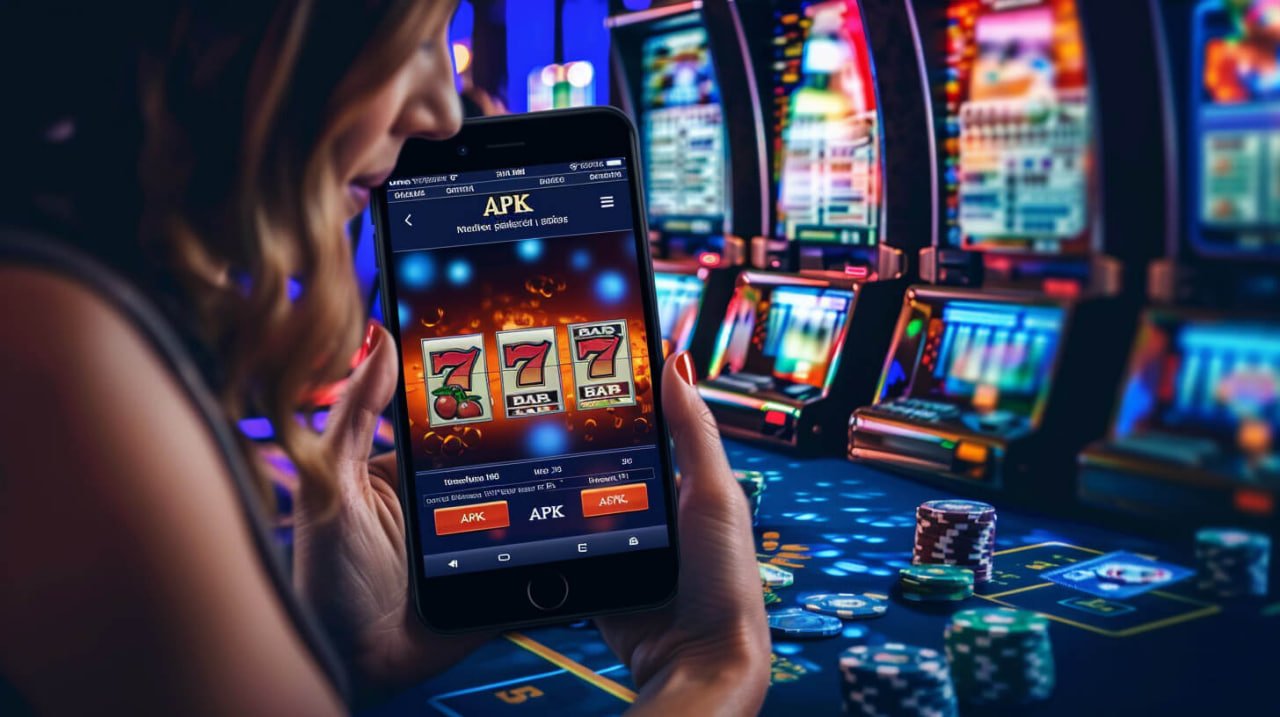
The 11kks app 11kks brings sports betting, slots, live games, and account management right to your phone. Lightweight, fast, and made for Brazil.
Go to the page App for complete installation instructions.
The 11kks is available in three access options. Choose the one that best fits your routine.
Install the 11kks app 11kks on your Android by downloading the APK file directly from the website. No app store required — works on virtually any smartphone running Android 7.0 or higher.
On iPhone, the 11kks app 11kks is installed through the App Store. Just search by name, tap "Get," and you're done. Compatible with iPhones running iOS 13 or higher.
Prefer not to install anything? Access 11kks 11kks directly through your phone or computer browser. The site is 100% responsive and delivers the same experience as the app.
Installing an APK outside the Play Store is straightforward, but requires a quick adjustment in your phone's settings. The whole process takes less than two minutes. Here's how:
On your Android phone, open the browser and go to the 11kks page App of the 11kks. Tap the download button for Android.
Android will ask for permission to install apps from outside the official store. Go to Settings → Security → Unknown sources and enable the option (or allow it only for the browser you used).
After the download, tap the file notification or locate it in your downloads folder. Tap "Install" when the installer appears.
Once installation is complete, the 11kks appears on the home screen. Open it, sign in to your account or register, and start playing.
Yes. The APK file available on the official 11kks page 11kks is the same platform app, just distributed outside the Play Store — a common practice among betting platforms in Brazil. Always download from the official page to ensure you have the correct, unmodified version.
On iPhone, installation is even more straightforward than on Android. The 11kks app 11kks for iOS is available on the App Store — no security settings changes needed.
On iPhone, tap the App Store icon. Make sure you are signed in with your Apple ID.
In the search bar, type 11kks and locate the official app. Verify the developer name before downloading.
Tap "Get" and confirm with Face ID, Touch ID, or your Apple ID password. The download starts automatically.
After installation, open the 11kks, log in with your email and password or create a new account directly through the app.
If you can't find the app in your region's App Store, access it via the iPhone browser — the website of the 11kks is optimized for Safari and works as a full-screen app (PWA).
Everything the website offers is available in the app — with a few extra benefits for mobile users.
Follow matches in real time with updated odds and place bets during the game directly from the app.
Slots, live games, table games, and crash games — all available on 11kks lobby of the app with fast loading.
Make deposits in seconds using Pix directly through the app. Your balance is credited instantly so you can bet without waiting.
Request withdrawals from the app in just a few taps. Track the withdrawal status in real time in the Withdrawal.
Receive alerts about promotions, betting results, and 11kks news 11kks directly on your phone.
Log in with fingerprint or facial recognition. Extra security without typing your password every time.
The 11kks app 11kks comes with a dark theme by default — comfortable for playing at night without straining your eyes.
Rotate your phone to play in landscape mode — especially useful in live games and slots with wide animations.
On iOS, the App Store updates the app automatically. On Android, simply download the new APK when available.
This is a common question among new 11kks users 11kks. The straightforward answer is: both options work well and give you access to all platform features. But the app tends to have a few advantages depending on how you use it.
Native apps typically load visual elements more smoothly than web pages, especially on 4G connections with average signal. In live games and slots with animations, this difference can be noticeable. Users who use the 11kks through the app tends to offer a smoother experience in these situations.
Through the app, you can enable push notifications to receive alerts about promotions, betting results, and platform updates. This is not possible via the standard web version. In addition, the icon on your home screen makes access easier — no need to open a browser and type in the address.
If you use 11kks 11kks only occasionally, the browser works perfectly fine. The site is fully responsive and automatically adapts the interface to smaller screens. On desktop, the browser is the recommended way to access 11kks — the desktop experience is complete and well optimized.
The 11kks app 11kks uses the same security protocols as the website: encrypted connection, two-factor authentication available, and data protection in accordance with the Privacy Policy. Biometric login adds an extra layer of security without sacrificing convenience.
Whether through the app or the browser, the 11kks rules Responsible Gaming and the Terms and Conditions of the platform apply equally. Account control features are available in the settings, regardless of how you access 11kks 11kks.
| Criteria | App | Web |
|---|---|---|
| Installation required | No | |
| Push notifications | ||
| Biometric login | ||
| Works on desktop | ||
| All games | ||
| Pix and withdrawals |
Install the app on your phone, create your account, and access sports betting, slots, and live games wherever you are.